
Start with a business fact sheet
AI is useful for organizing notes and preparing a first draft. It still needs accurate material to work from. Create a short reference with the approved business name, contact details, services, coverage, qualifications and package scope. Link supporting evidence for any review count, project result or other public claim.
Give that sheet an owner and a review date. Details such as availability and service coverage can change. A draft built from an old document may sound confident while setting expectations the business can no longer meet.
Give the draft one bounded job
Choose a specific customer question and provide the relevant facts. For example: “Explain what a customer should have ready before requesting a fencing quote, using these approved intake requirements.” Ask the draft to identify missing information rather than fill gaps with assumptions.
Separate ideas from evidence. A proposed headline is a suggestion. A sentence about years of experience is a factual claim. A business owner can select the first by preference; the second needs verification. Keeping that distinction visible makes the review faster.
Check the claims most likely to cause trouble
Read numbers, guarantees, qualifications, availability and customer outcomes first. Check whether the source supports the exact wording, including its scope and date. A result from one project should not become a promise for every customer.
| Draft wording | What must be confirmed |
|---|---|
| Same-day appointments | Actual availability and any conditions. |
| Serving the entire region | The business’s real coverage boundaries. |
| Certified specialists | The qualification, holder and current status. |
Read the page as a customer
Ask someone who understands the service to review the draft. Can a customer tell what is included, what happens next and what to do if their job is unusual? Replace general praise with actual process details or a useful example. Remove sentences that could describe almost any company.
Check the headline, search description, image text, FAQ answers and button destinations too. A careful body paragraph does not fix an inaccurate title or a contact button that leads to the wrong service. Test the confirmation message after a real inquiry.
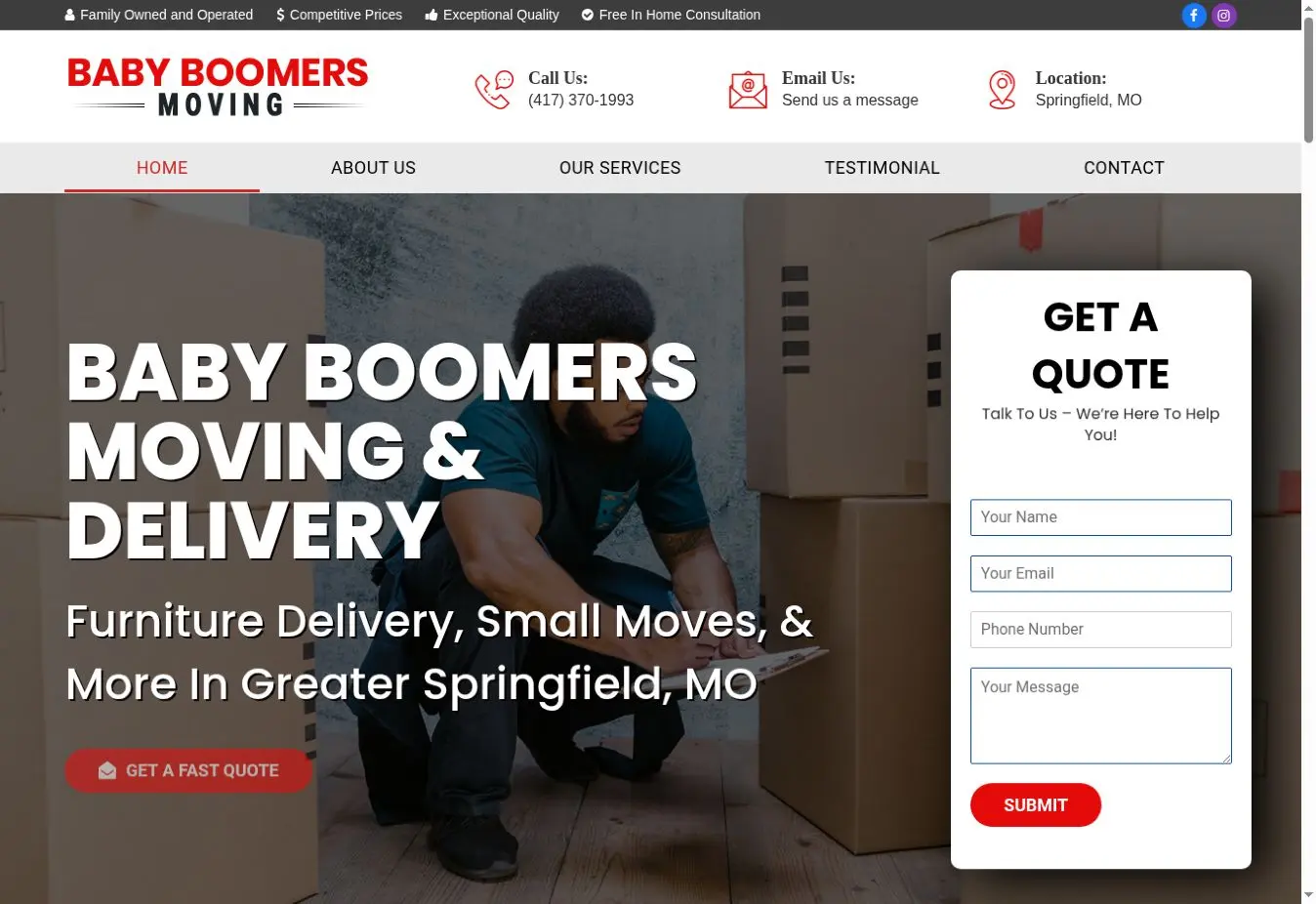
The saved Baby Boomers Moving screenshot provides a simple review exercise: confirm that the listed services, coverage and quote form match the current business. The headline, smaller service text and form all need checking.
Assign responsibility before publishing
Keep the workflow simple: one person checks the business facts, another reviews the final wording if needed, and a named owner approves publication. For technical or regulated subjects, use someone qualified to review the subject. Record the approved version and date.
Google’s generative-AI guidance emphasizes accuracy, relevance and manual fact-checking. It also warns that producing many pages without adding value can violate scaled-content policies. A smaller set of useful, reviewed pages is a sounder working goal than an automatic publishing quota.
- Verify every factual claim against approved material.
- Confirm the page answers its intended question.
- Check links, metadata and inquiry destinations.
- Record approval and inspect the published page.
Review the information after publication
Use the time saved on drafting to keep the website current. Revisit pages when services, terms or coverage change. Check customer questions for signs that an explanation is unclear. An approved page is a version to maintain, not a permanent statement that can be forgotten.
Start with one important service page. Compare it with the fact sheet, test its contact path and make a short correction list. A Purple Holo business audit can help identify where those checks are needed across the site.